Workflow & AI Automation
Replace manual, repetitive processes with structured automated workflows — and, where it makes practical sense, scope AI-assisted steps into them.
Who it's for
Problems we solve
- Staff spending hours on repetitive data entry and routing tasks
- Approvals and handoffs getting lost in email threads
- Inconsistent process execution across team members
- No visibility into where work is stalled
- Uncertainty about where AI genuinely adds value in your workflows
- High-volume document review or categorization done manually
- Inconsistent handling of repetitive knowledge-based tasks
- Vendor AI tools that don't integrate with your existing systems
Key outcomes
- Consistent, auditable process execution without manual intervention
- Faster turnaround on approvals, requests, and handoffs
- Staff time redirected toward higher-value work
- Reduced errors from manual data handling
- A clear, scoped AI implementation roadmap tied to real business tasks
- Targeted AI capabilities embedded into existing workflows
- Reduced manual effort on knowledge-intensive tasks
- A foundation for iterating on AI capabilities over time
What's included
- 1Discovery and process-mapping workshop
- 2Trigger and logic design for each workflow
- 3Integration with your existing tools (email, CRM, forms, etc.)
- 4Testing, validation, and handover documentation
- 530-day post-launch support window
- 6AI readiness and use-case scoping workshop
- 7Workflow mapping to identify high-value AI integration points
- 8Proof-of-concept design and review
- 9Integration with selected AI provider or model
- 10Testing, guardrails, and handover documentation
- 11Optional AI capabilities — assistants, prediction, content generation, or search workflows — scoped per project
AI capabilities
Where it makes practical sense, AI-assisted steps can be added to an automated workflow. These capabilities are scoped per project — we'll talk through what fits your process, data, and review needs before anything is committed.
AI assistants
Assistants that help your team draft, summarize, or answer questions against your own documents and records.
Prediction workflows
Flagging likely delays, risks, or priorities so the right people see them earlier.
Content workflows
First-draft generation for routine communications, reports, or summaries — always reviewed by a person.
Search workflows
Finding the right record, policy, or past answer across scattered systems in plain language.
Scoped per project. Availability and approach depend on your systems and requirements.
See what a workflow looks like before and after automation
Before & After
Pick a workflow to visualize
Select a common business process to see how it typically runs today — and what a streamlined, automated version might look like.
How it typically works today
6 manual bottlenecks
With automation in place
Next step
Talk through this workflow
Every business runs these processes a little differently. A 30-minute discovery call is the right place to map your specific version and understand what an automation engagement would involve.
Proven execution
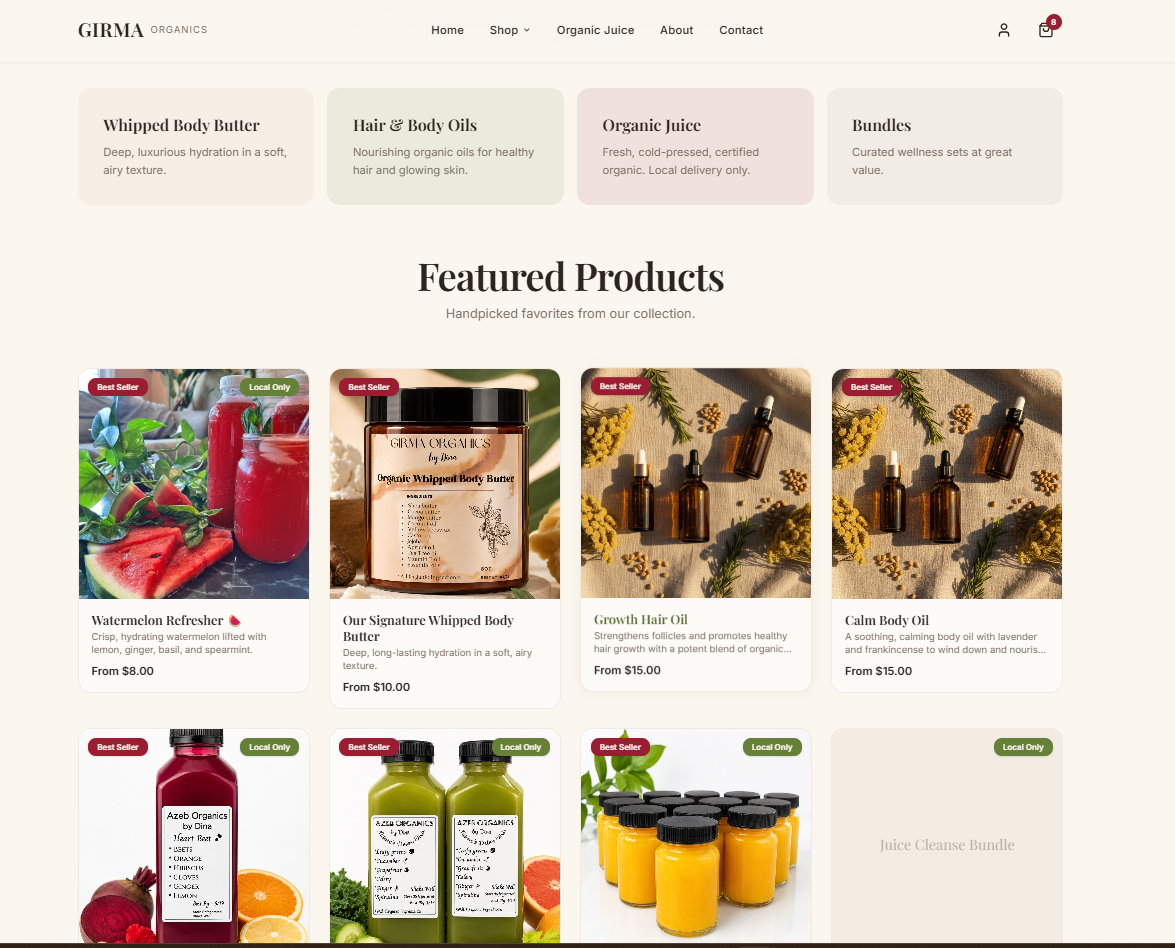
Girma Organics
Girma Organics is a wellness brand selling organic body butter and organic juices. It started as a neighborhood operation, and as demand grew, so did the work behind it — coordinating orders, inventory, and vendor communications through a patchwork of email threads and manual, local effort. The business had no online presence and no infrastructure to sell or fulfill beyond its immediate community, which put a ceiling on how far it could grow.
Read the case study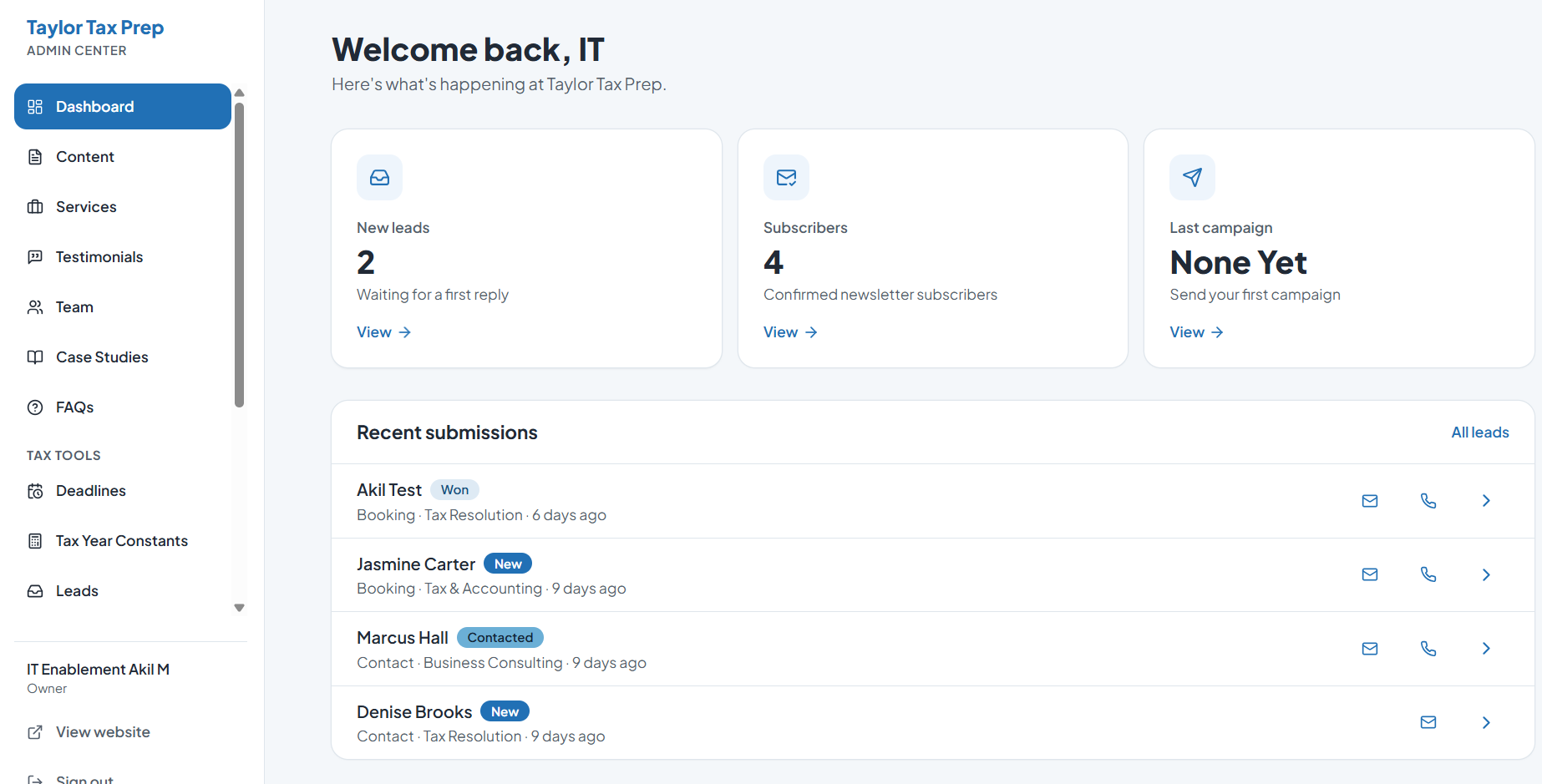
Taylor Tax Prep
Taylor Tax Prep is a tax-services and notary company that also helps small businesses get off the ground — incorporation, formation, and the range of services that come with it. The business grew faster than expected, bringing in far more clients than its systems were built to handle. To keep up, it had stitched together a different tool for every function: Calendly for scheduling, one provider for the website, a separate company for content management, a social media scheduler, a mail service for automated email, and more.
Read the case study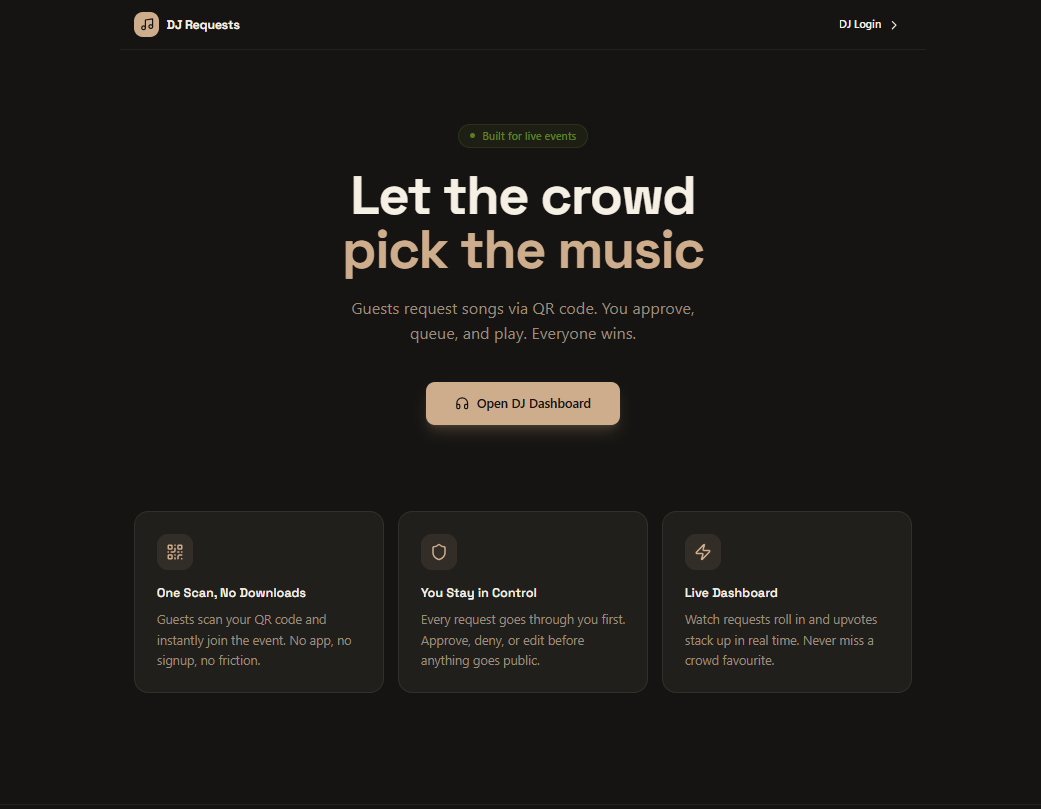
Finessional Events LLC
Finessional Events is a small DJ and event-coordination company running live events where the crowd's energy depends heavily on playing the right music at the right moment. Song requests came in the way they always had — guests shouting over the music, flagging down the DJ mid-set, or passing requests through friends. The requests that made it through were easy to lose, impossible to prioritize, and gave the team no record of what the room actually wanted.
Read the case studyPricing
Custom — request a quote
Get a QuoteRelated solutions
Website/WebApp DesignFeatured
Professional, performance-focused websites designed to represent your brand and convert the right visitors.
Custom Dashboards
Bring your scattered data into a single, decision-ready view built around how your team actually works.
Custom Apps
Custom web apps and internal operations platforms built around how your team works — including modern replacements for aging legacy systems.
Frequently asked questions
Ready to explore Workflow & AI Automation?
A free discovery call is the right first step. We'll scope the engagement and tell you honestly whether we're the right fit.